
Install The Toolbelt Software
1. Create an Account
Go to The Toolbelt Web Portal to setup your account or log in. Once you log in, you will see a link to download the Toolbelt Software which will allow you to access and share more complex models, multi-model scenes, and VR capabilities.
<Image of Download Button>
2. Run the Installer
Find the installer in your downloads folder and double click to run it
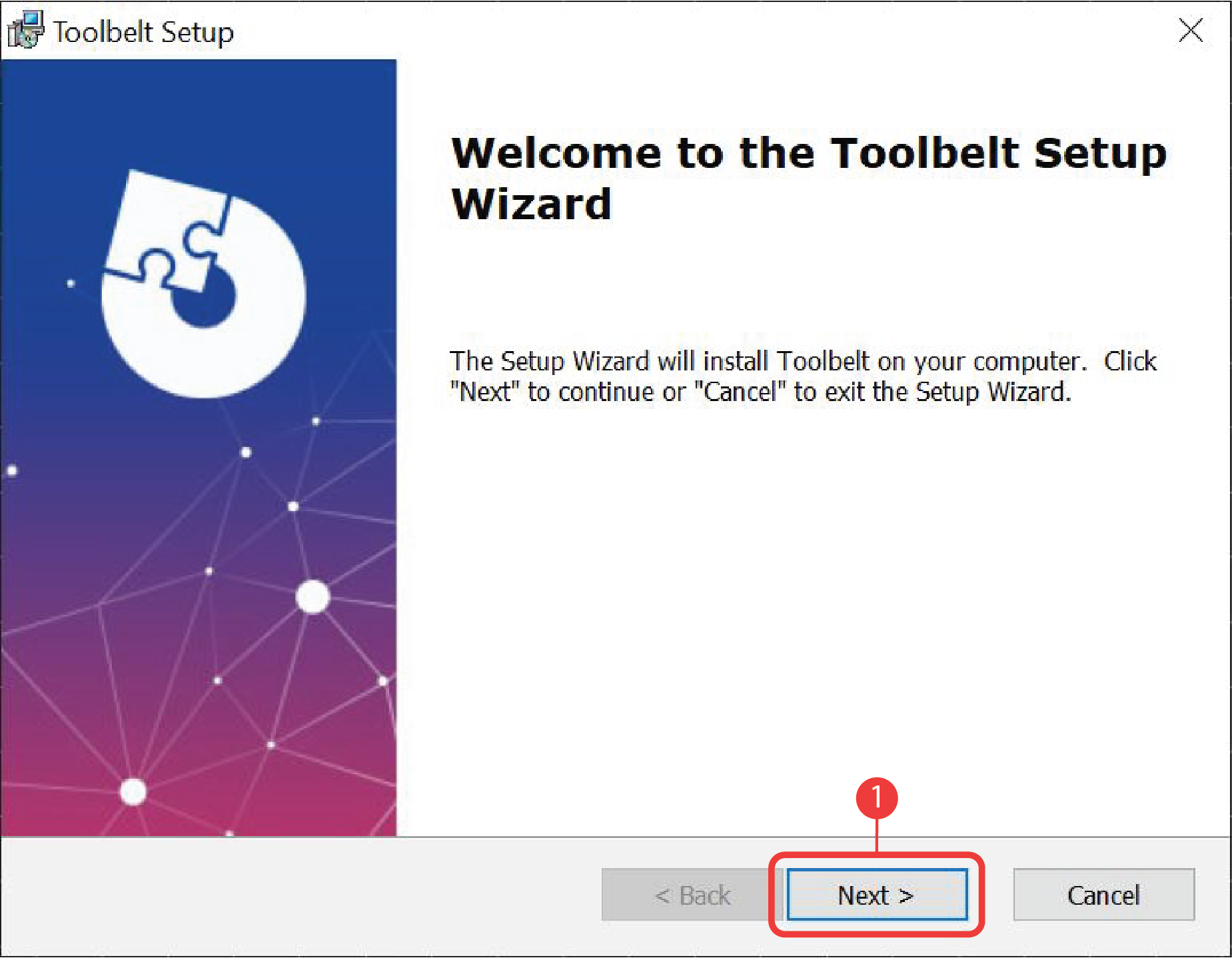
3. Welcome Page
Toolbelt Installer welcome page. Click Next to continue.
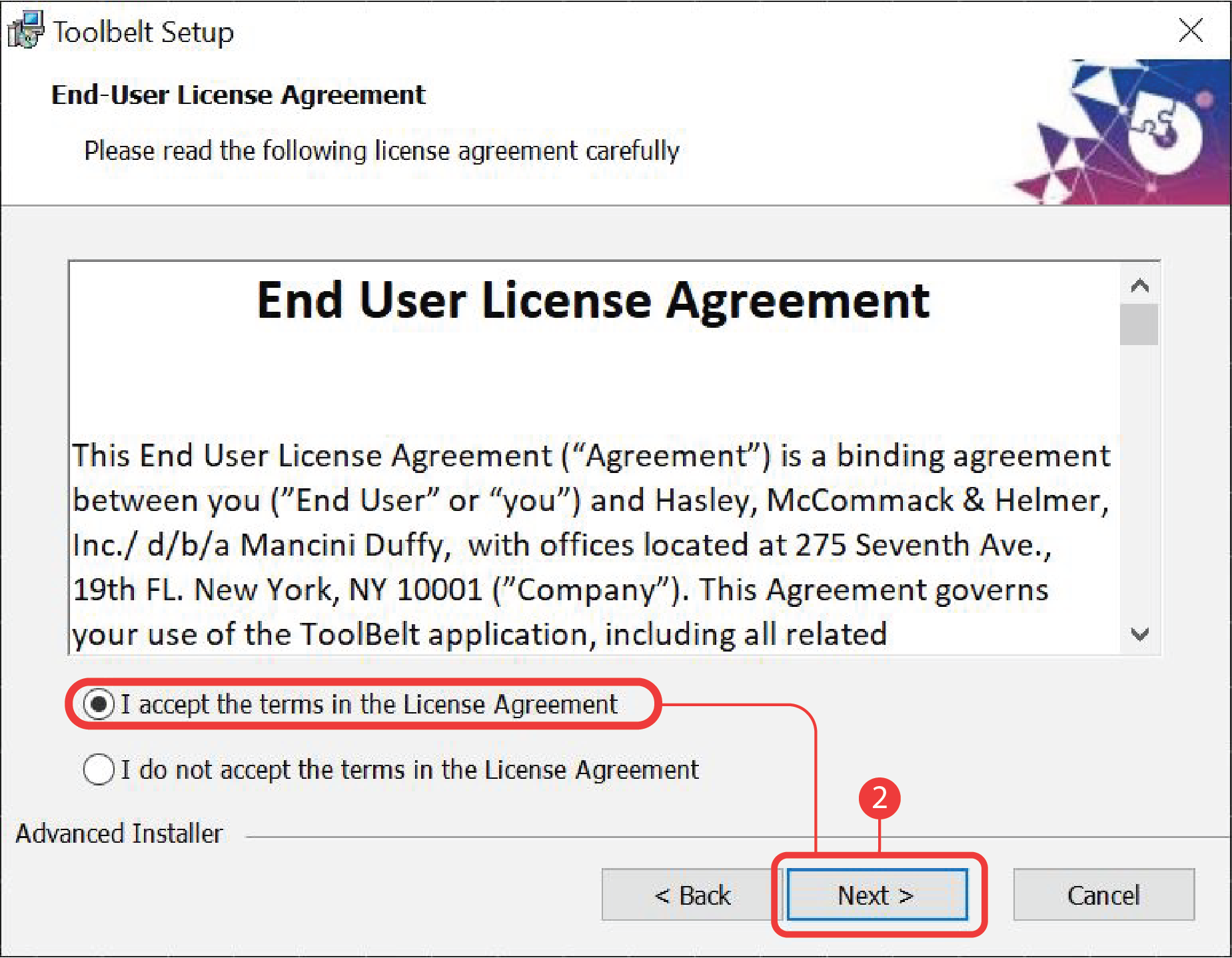
4. License Agreement
I accept the terms in the license agreement check-box needs to be checked, allowing the “Next” button to activate.
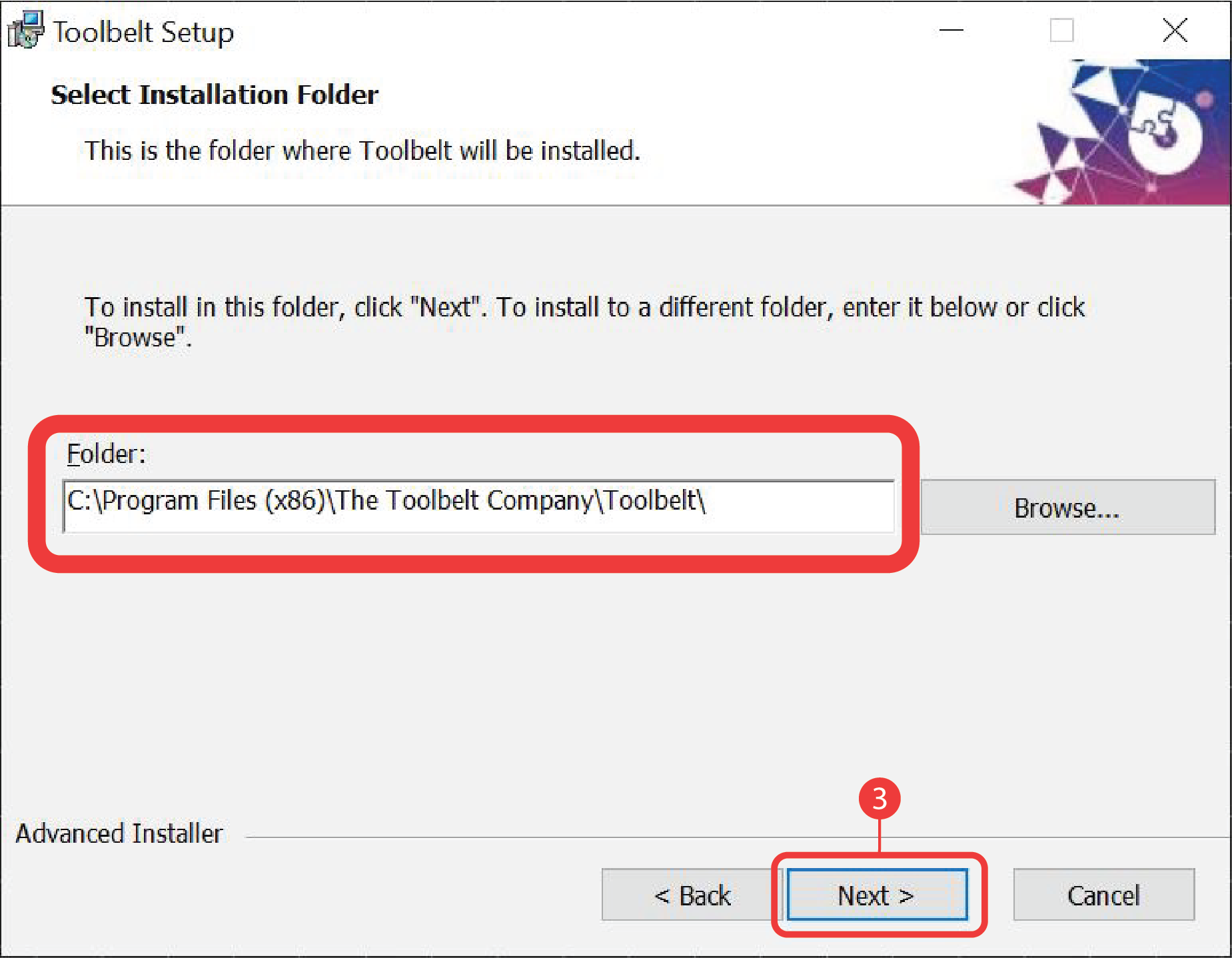
5. Location
The installer will then show you the location where Toolbelt will be installed. Click Next to continue.
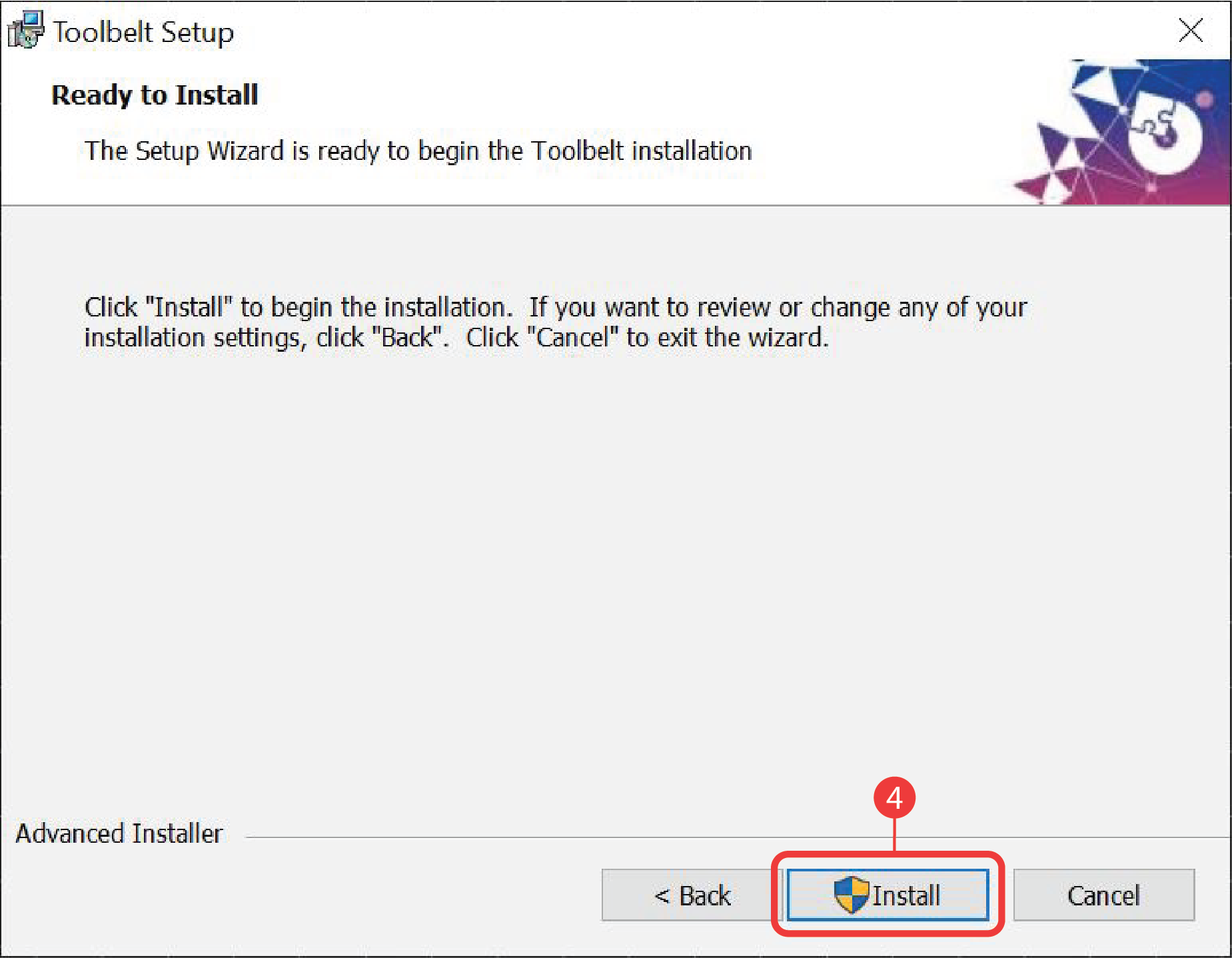
6. Install
Confirm by clicking the Install button.
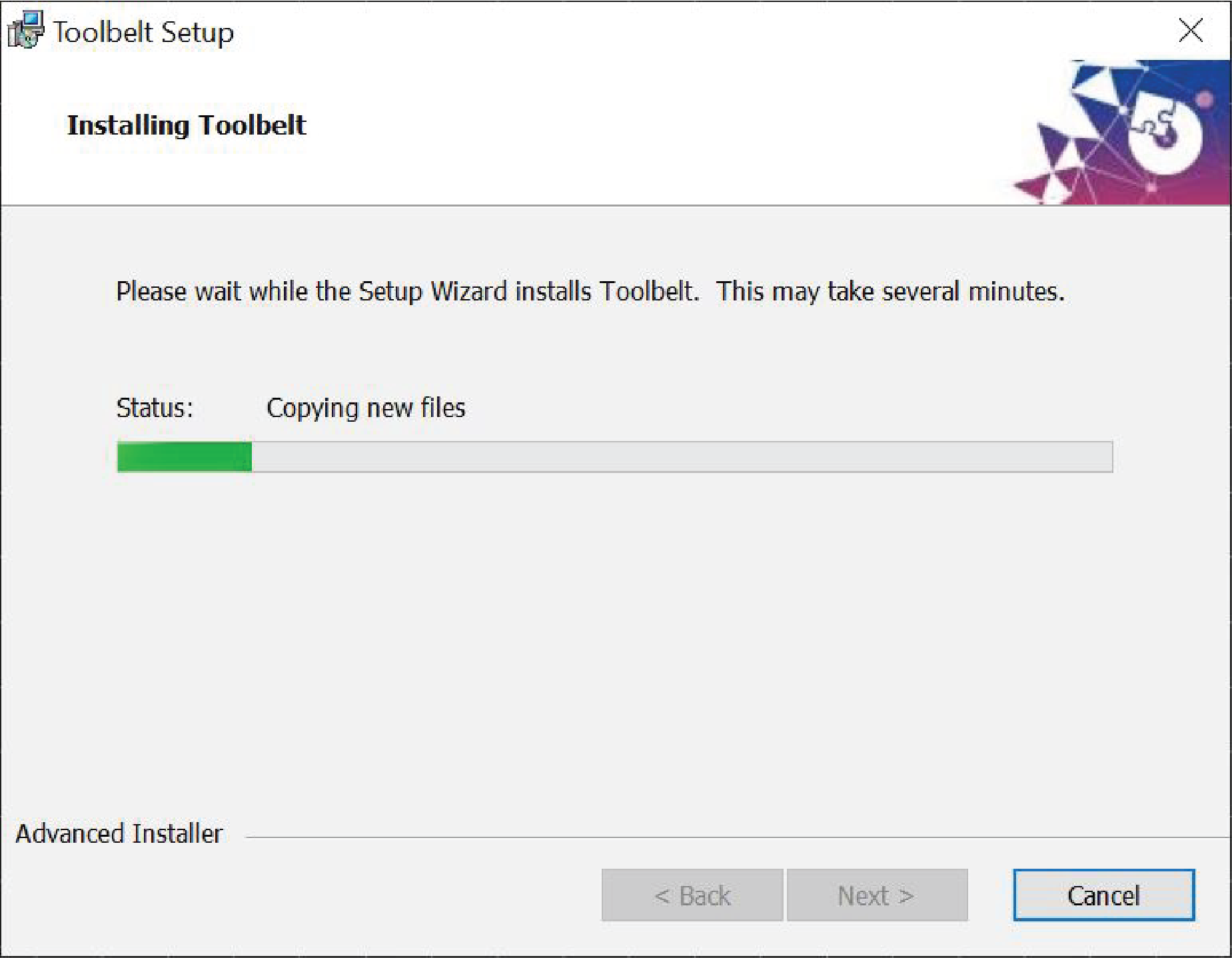
7. Wait
Once the installation process begins, you will see a progress bar.
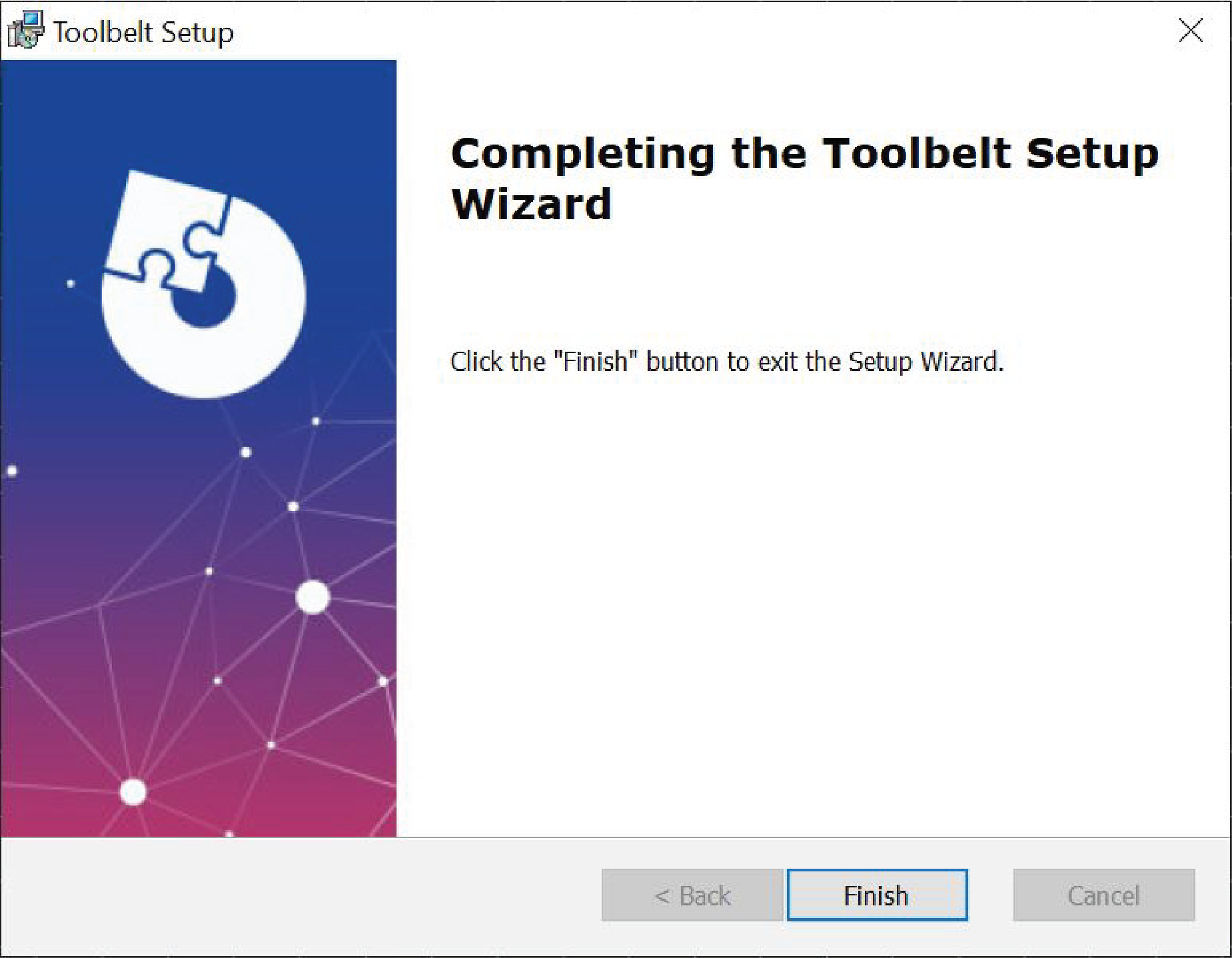
8. Finish
Once the installation is complete. Click Finish to exit the wizard.
9. Use
The Toolbelt software is now installed on your computer and is ready for you to use!