Uninstall the Toolbelt Revit Plugin
1. Close Revit
To Uninstall the Toolbelt Revit plugin make sure ALL Revit applications are closed on your computer.
2. Locate
Search for Add or Remove Programs from the start menu.
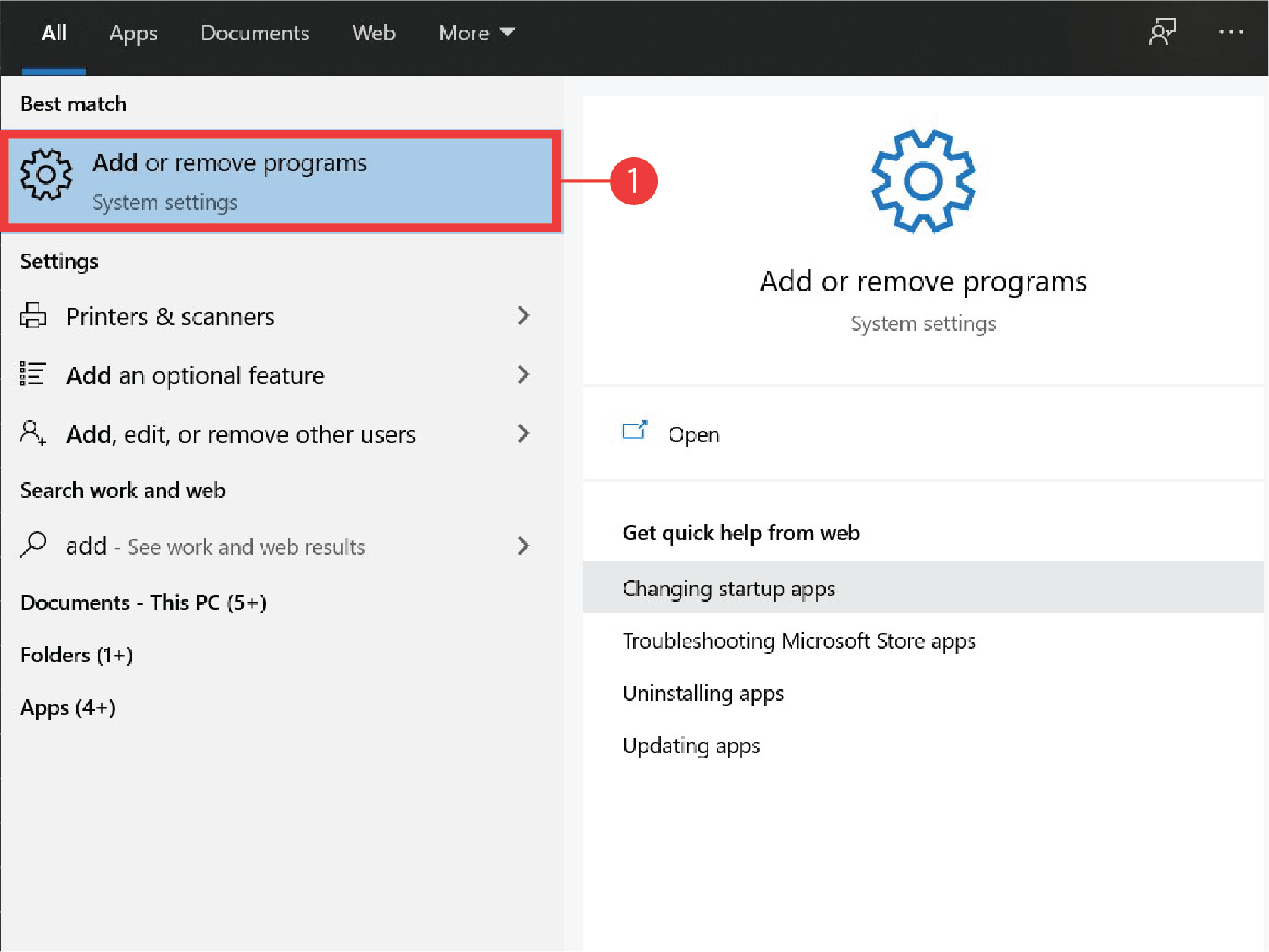
3. Select
Search for Toolbelt Exporter and click the Uninstall button.
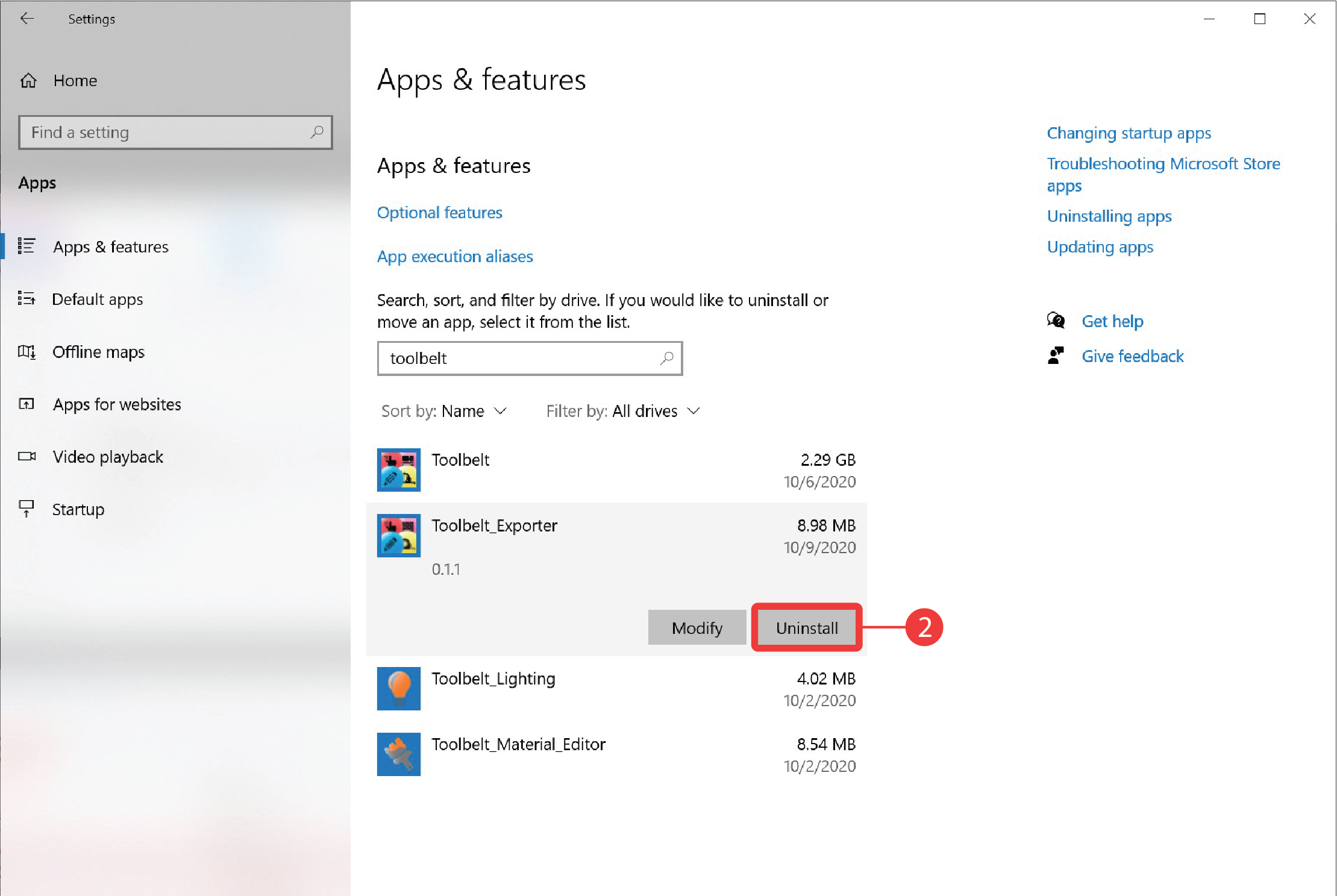
4. Wait
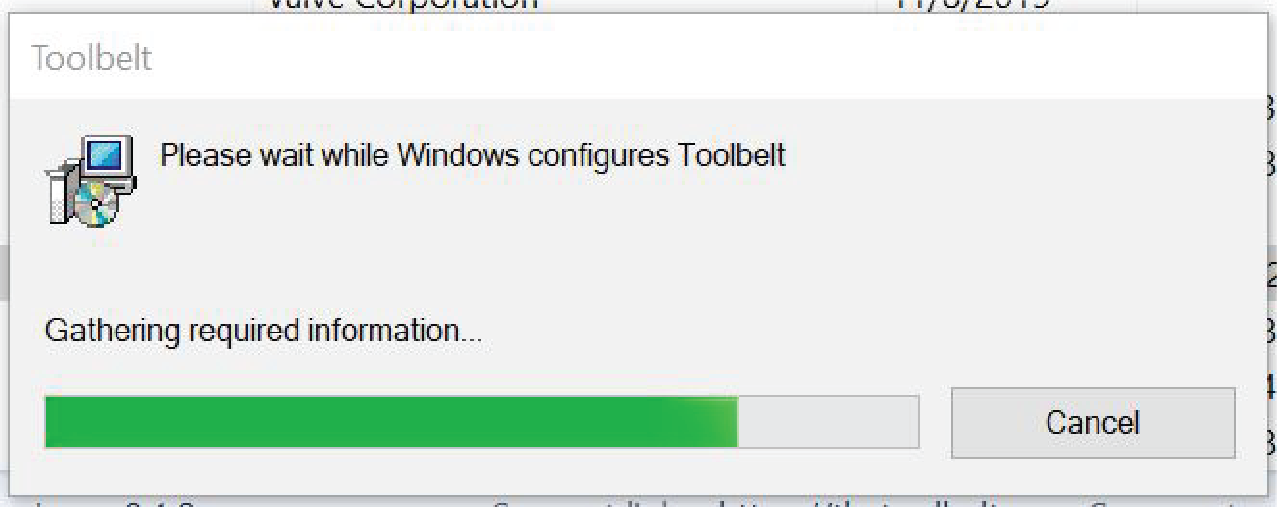
You will see a progress window. Once done, the Toolbelt Revit plugin will be completely removed from your computer.