
Layers Panel
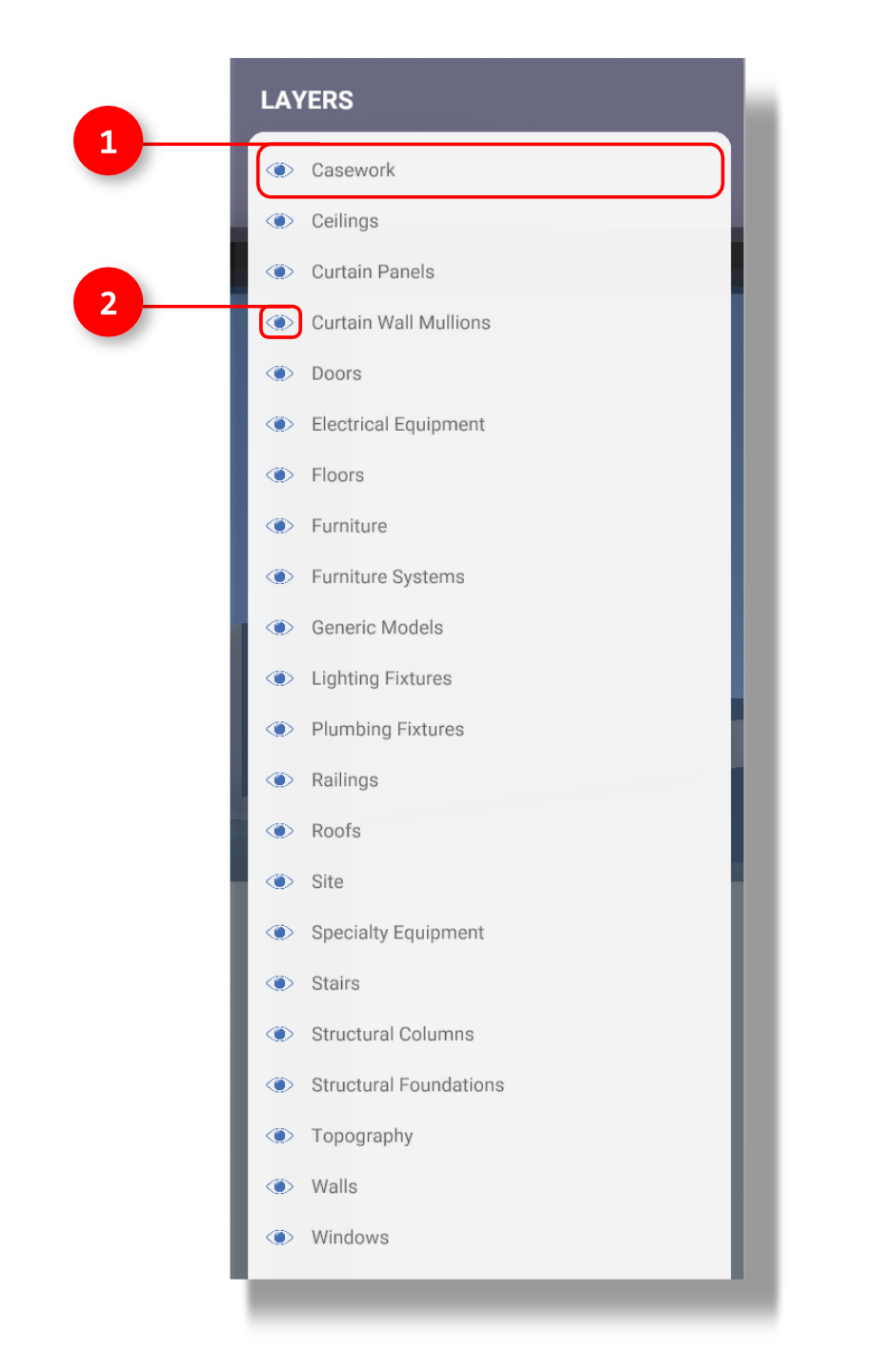
1. Layer Name
2. Turn visibility On/Off
The Layers panel allows you to turn the layers of your imported geometry on and off. Imports from Revit will automatically be broken into layers based on the family type of each object, such as Walls, Floors, and Furniture. This allows you to isolate or turn on and off certain elements by type using the eye icon.