
PC | Create
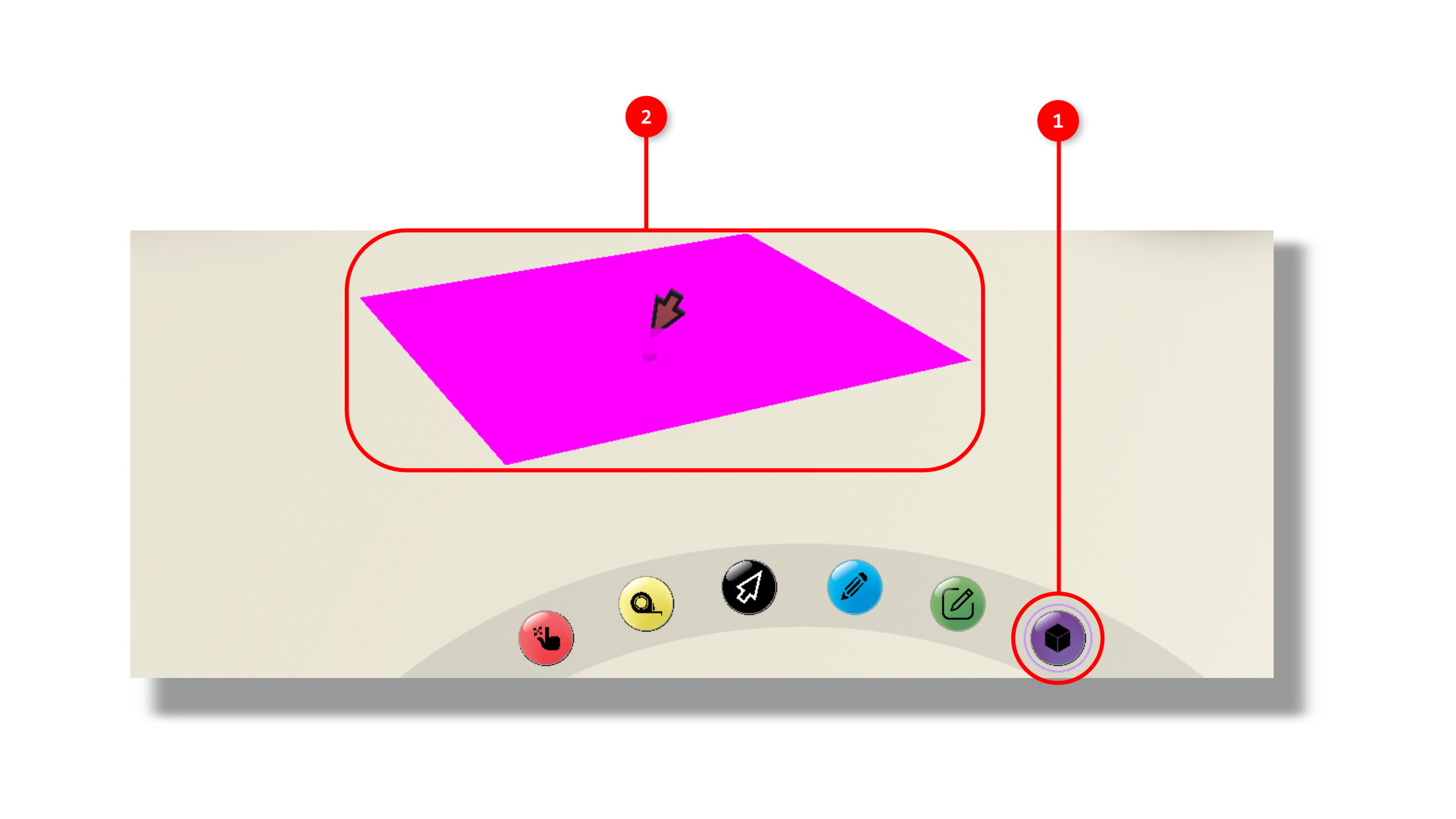
1. The tool is activated by clicking the doodle icon in the interaction tools panel. Once the tool is activated.
2. After being determined by the user, a plane will be created that represents the location and base of the extrusion.
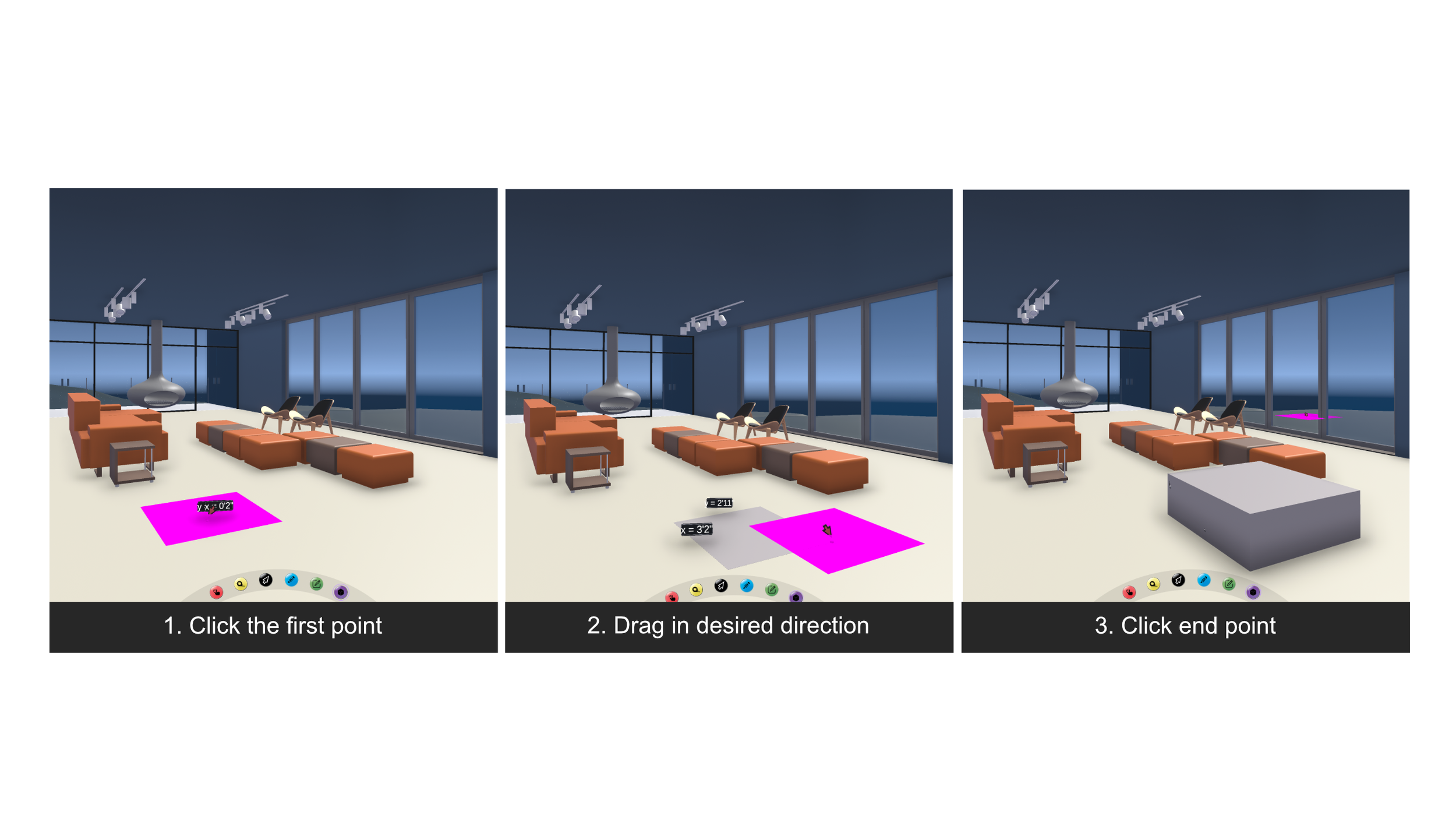
If you are in a multiplayer session, your extrusion will be shown to everyone else in your session.