
Navigation in PC
1. Keyboard Controls
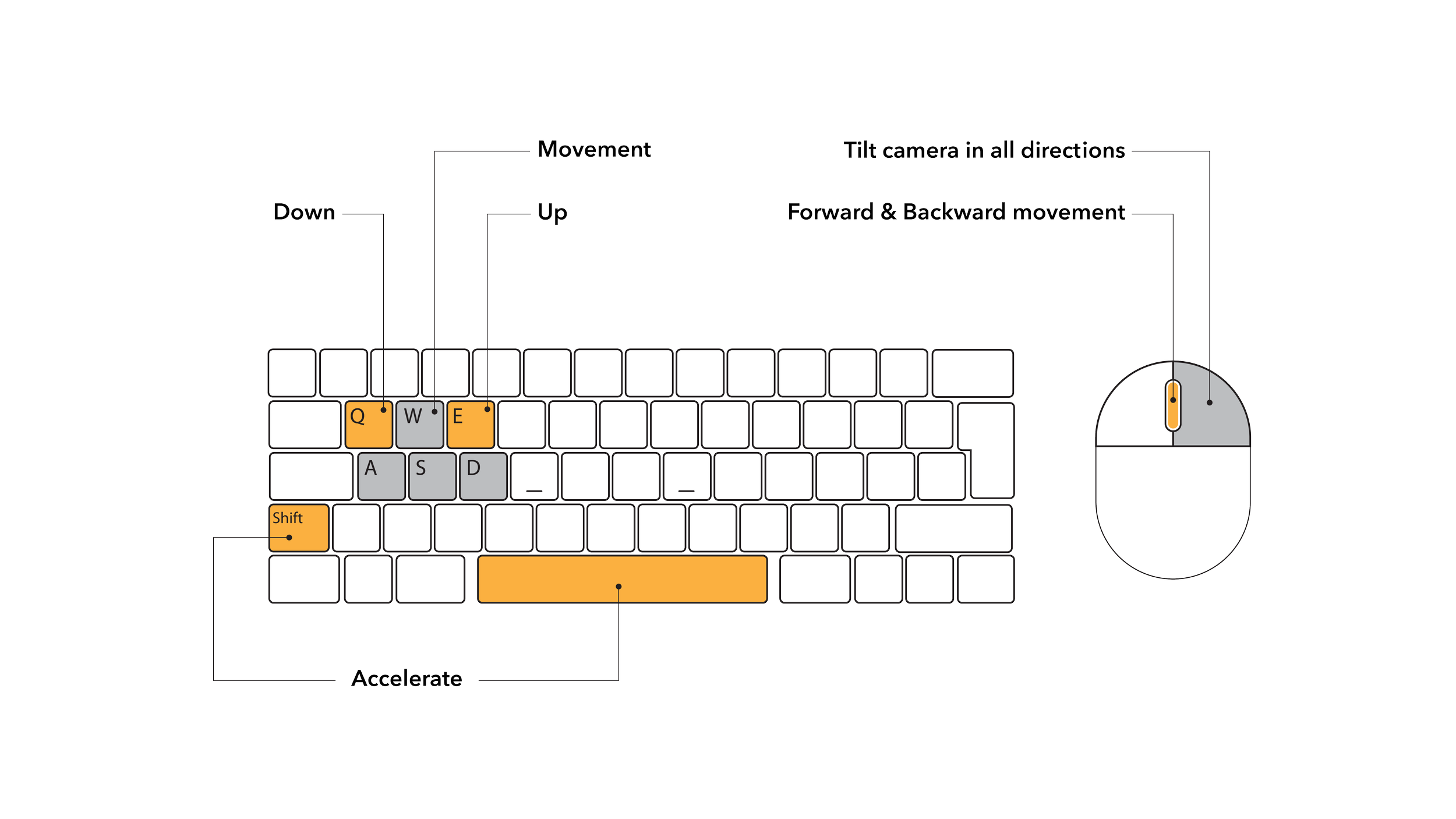
Navigation in PC mode uses the WASD keys on the keyboard to move your avatar’s physical location. Press the WASD keys to move forward, left, back, and right respectively. You may hold the shift key while you press the WASD keys in order to move at a faster rate. Additionally, you may use the Q and E keys to move up and down.
2. Mouse Controls
The right click button on the mouse to pan and tilt the camera. Click and hold the right click button on the mouse and drag your mouse position to pan or tilt. Left click will activate tools and interact with objects in the digital space if you are in desktop mode.