PC | Pointer
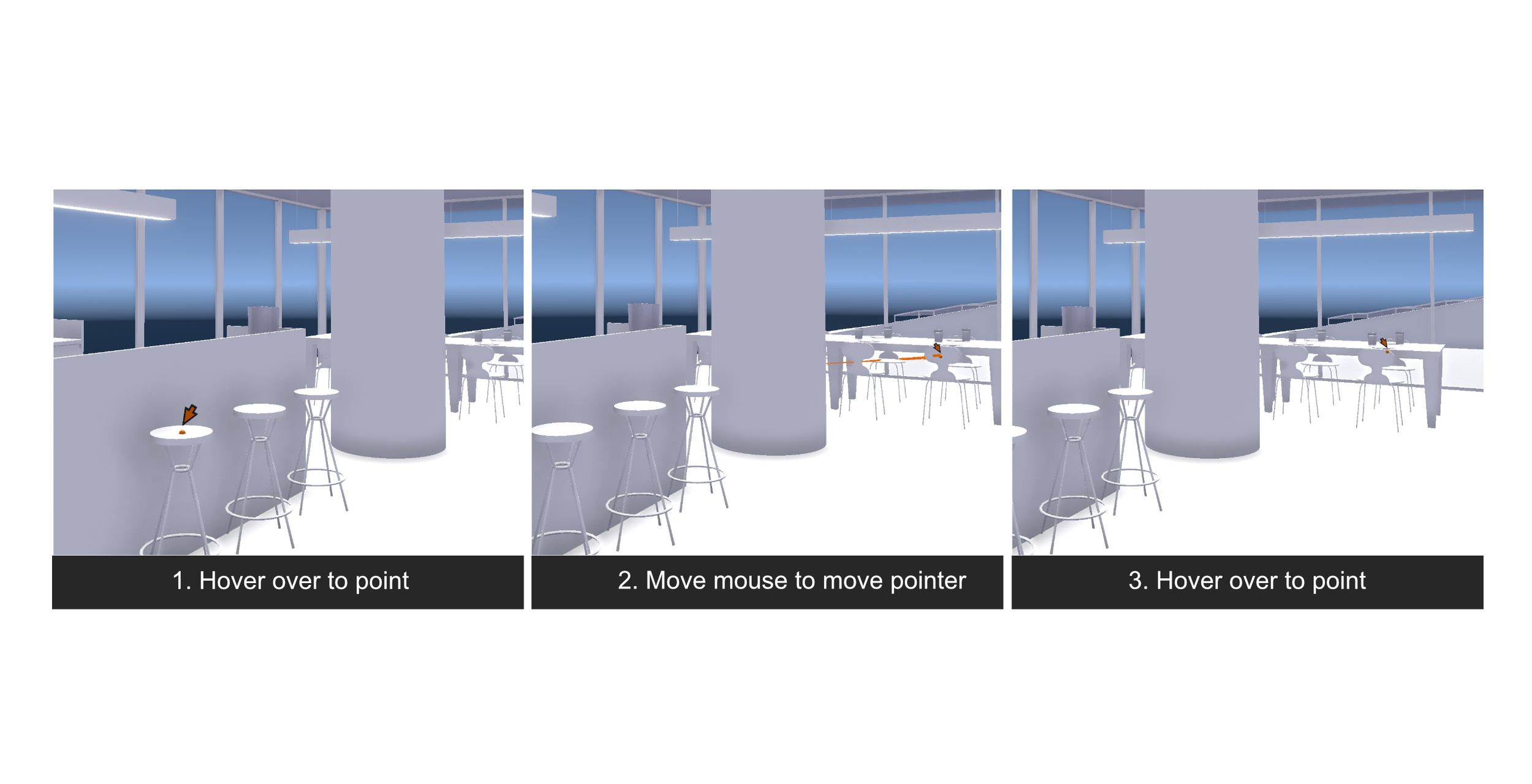
The Pointer tool indicates to the user the current movement and position of the cursor.
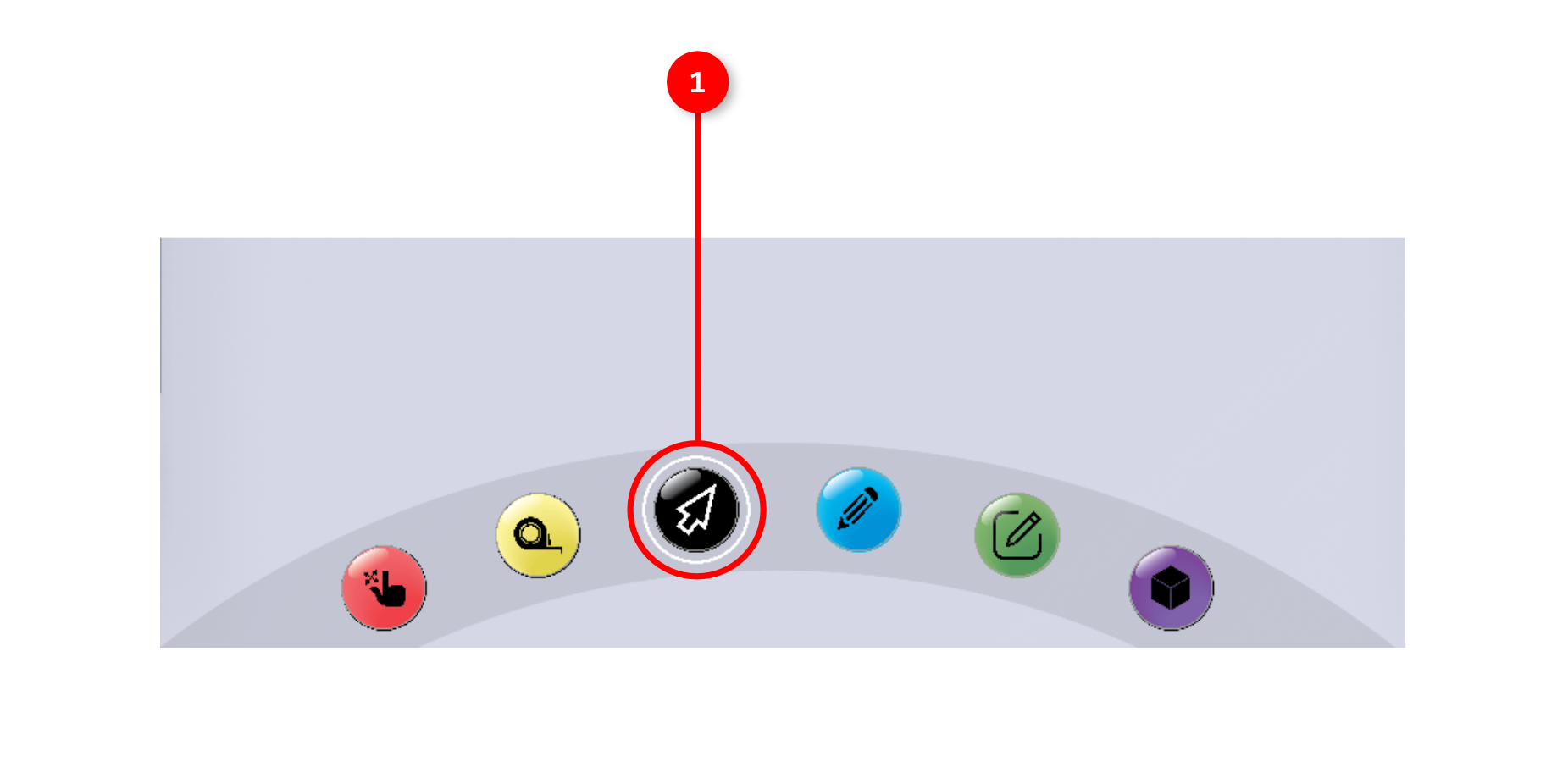
1. The tool is activated by clicking the pointer icon in the interaction tools panel.
2. Once the tool is activated, a three dimensional pointer will appear in your scene and follow your mouse position to the nearest geometry.