Settings Panel
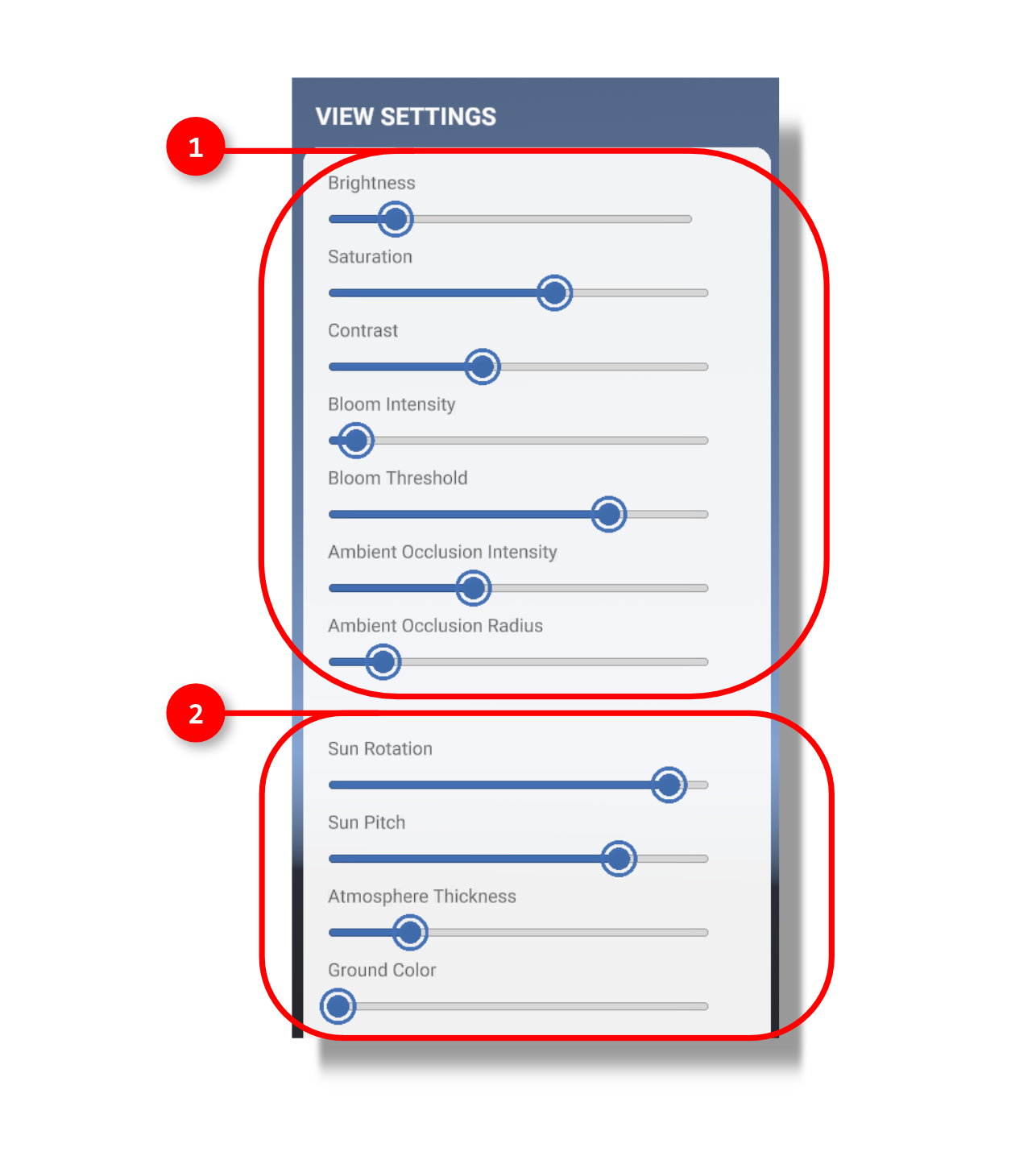
1.The sliders within the View Settings panel allow you to change the appearance of your imported scene through changing the properties of your camera. These camera properties include ambient occlusion settings, bloom intensity, contrast, saturation, and brightness.
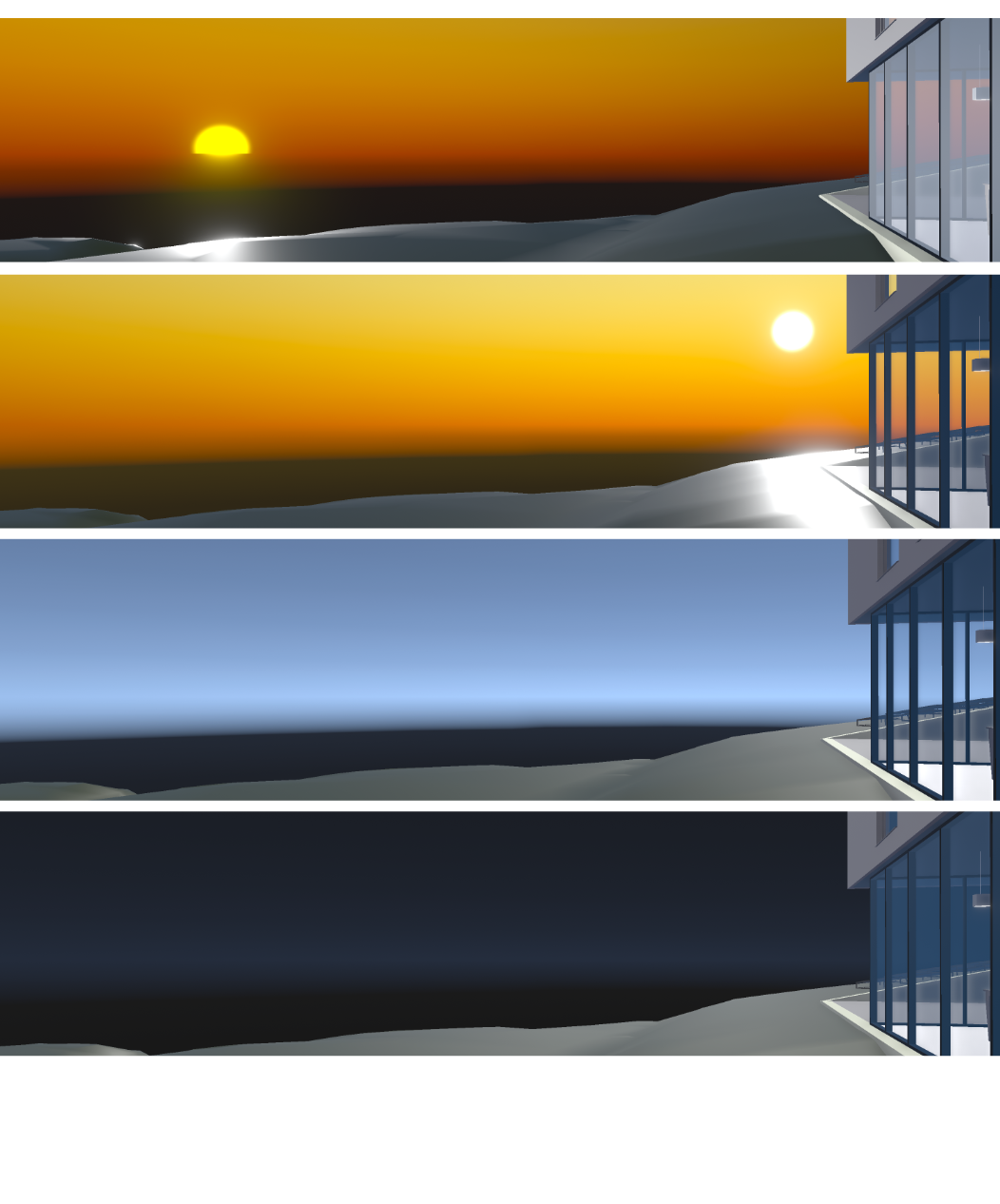
2. Additionally, you may use the View Settings panel to change the properties of the sun and atmosphere in the scene. Using the sliders, you can change the pitch and rotation of the sun, change the ground color, and change the thickness of the atmosphere.