
Toolbelt VR Interface
The Toolbelt PC interface is divided into five main areas:
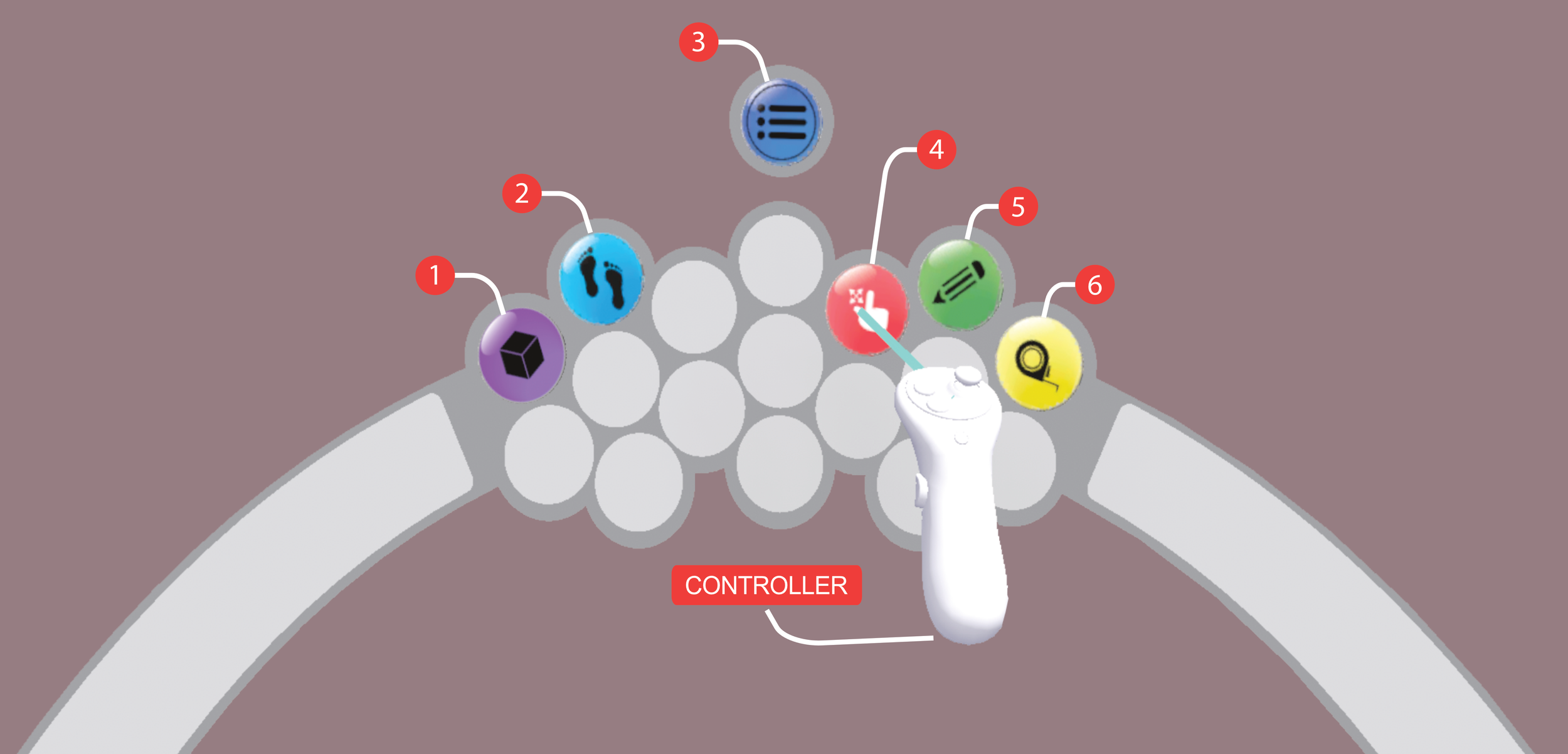
The VR mode interface consists of a virtual “belt” of tool icons which follows you as you move your position in VR. Looking down with the VR headset activates this interface which is otherwise hidden while you explore your architectural space. In order to interact with them, you simply point your VR controller at them and click the main trigger.
Only one tool is active on your controller at a time, simplifying the interface and interactions with your architectural space. These tools are expanded upon in the VR Tools section below.