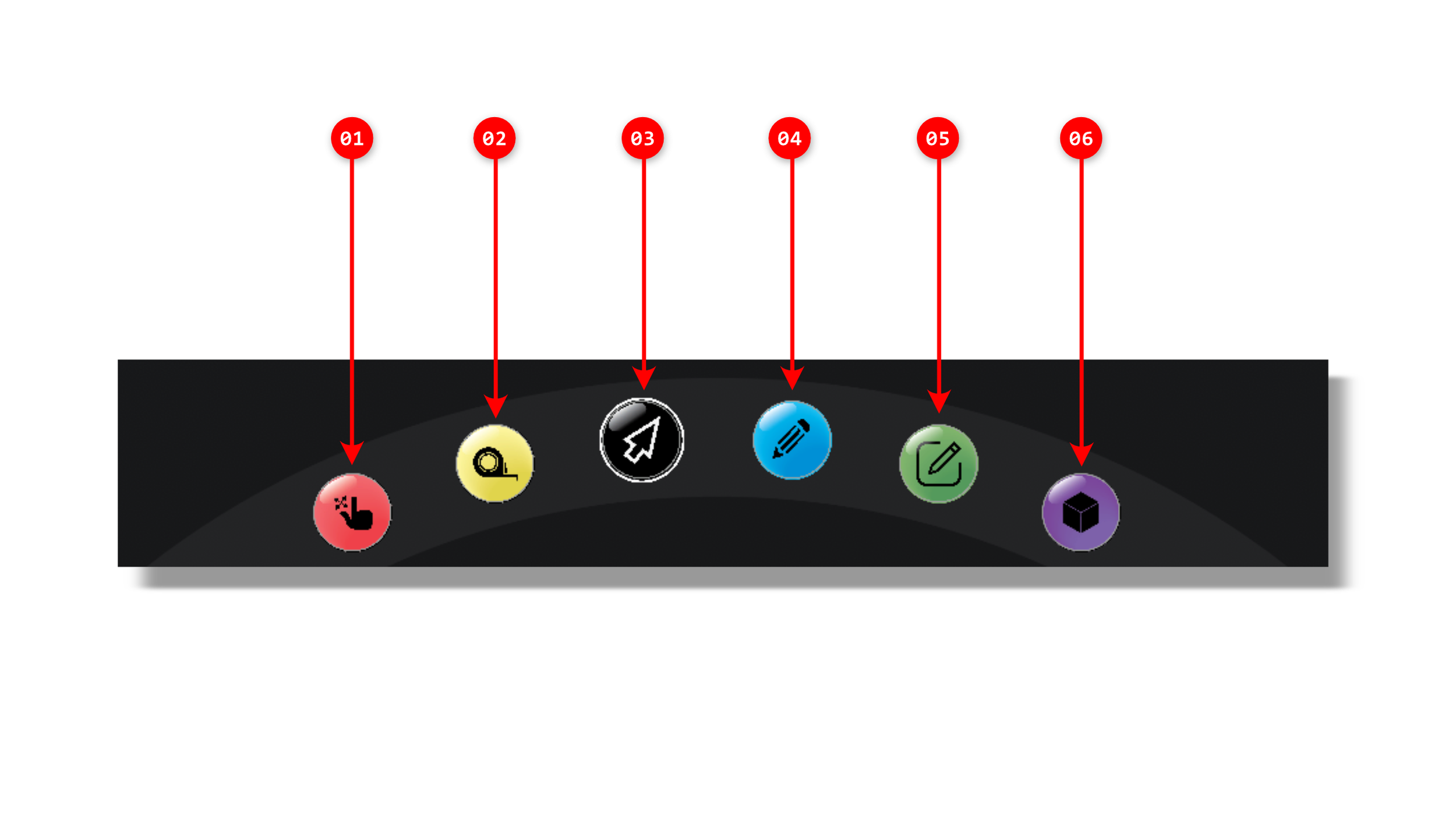
Toolbelt PC Interface
The Toolbelt PC interface is divided into five main areas:
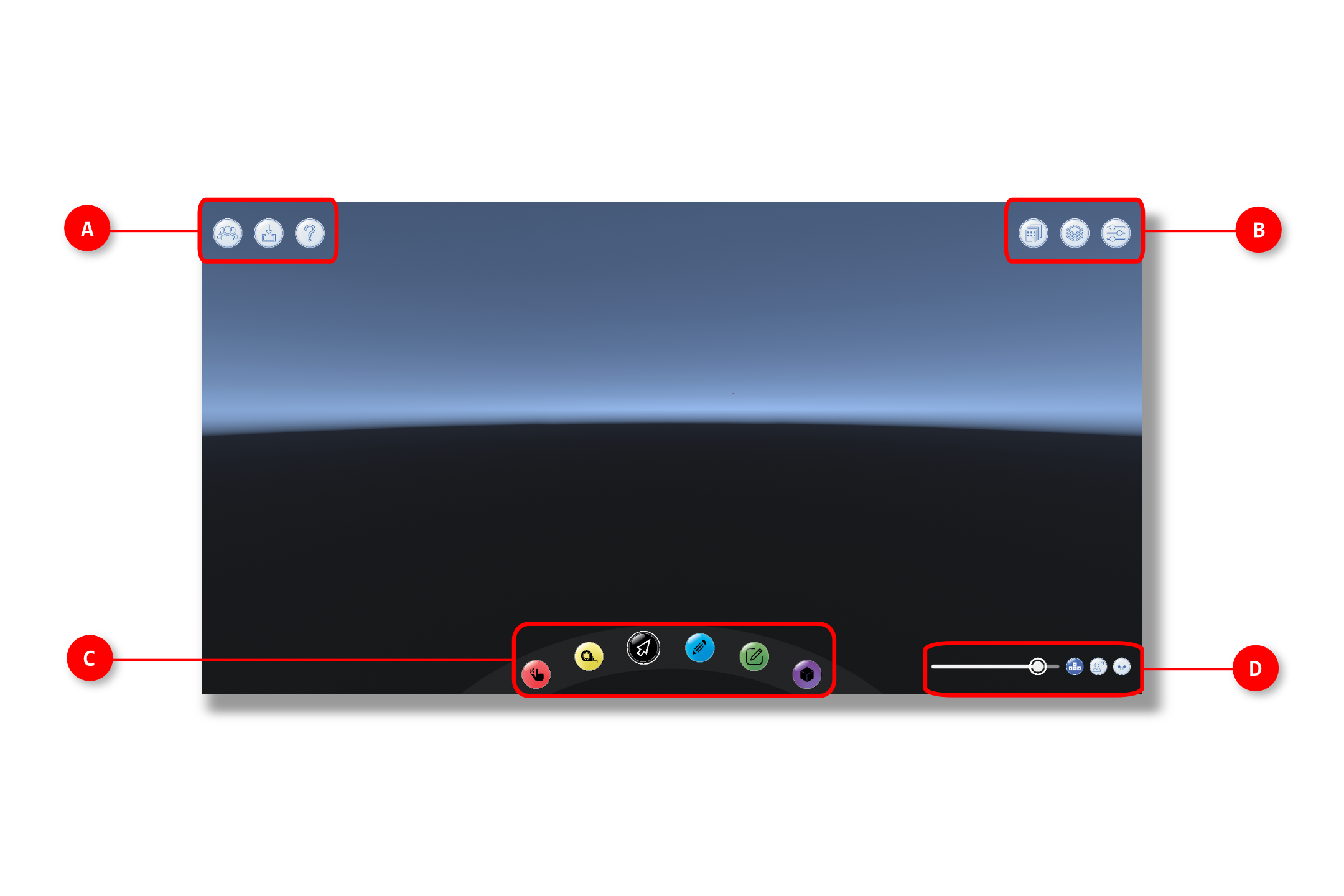
A. Top Left | Settings
The Settings include tools and features that help you set up up your Toolbelt scene including visual effects, geometry imports and visibility, collaboration, and annotation.
A.1 - User Information
A.2 - Load Model
A.3 - Tutorial
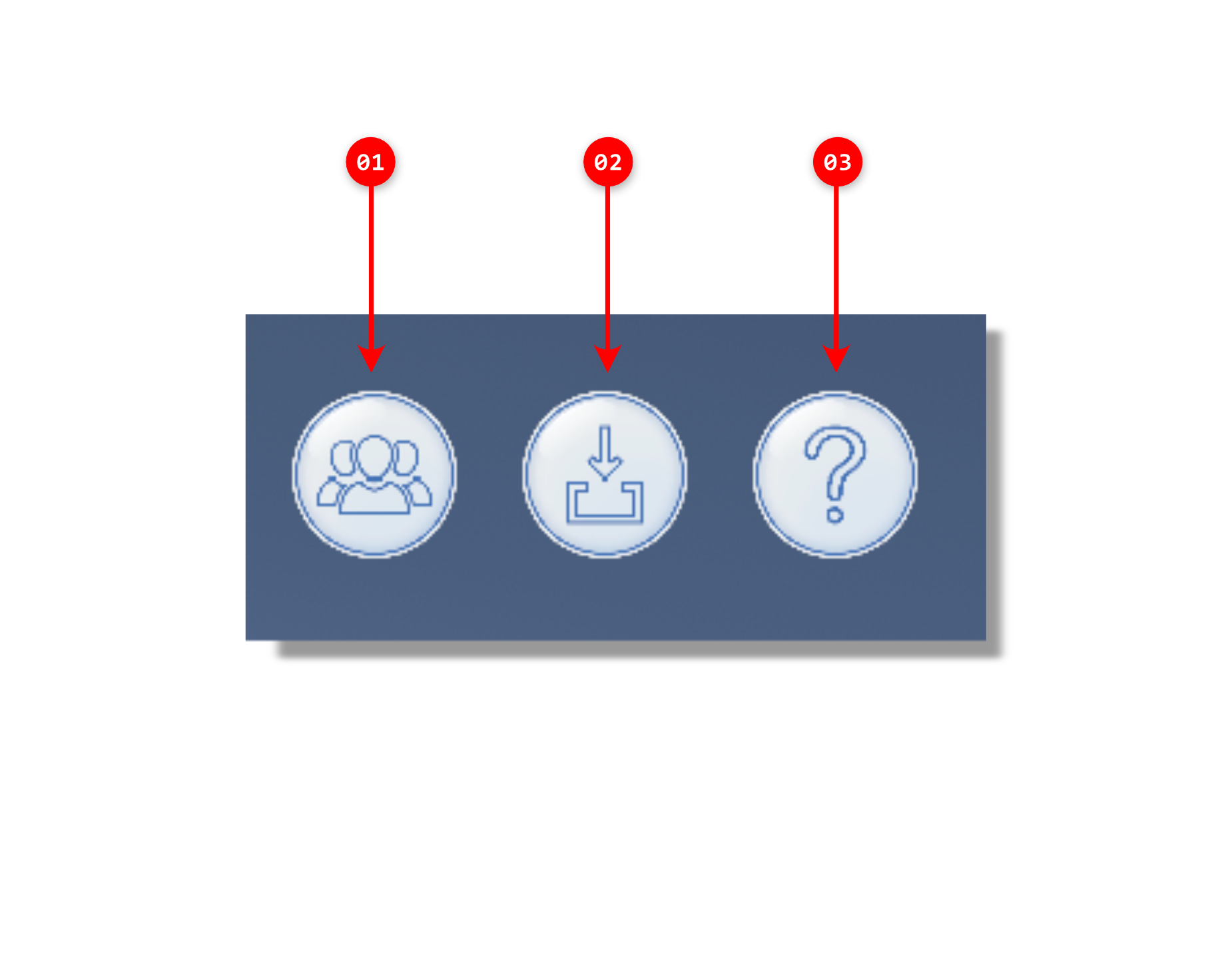
B. Top Right | Utilities
The Settings and Utility include tools and features that help you set up up your Toolbelt scene including visual effects, geometry imports and visibility, collaboration, and annotation.
B.1 - Models Panel
B.2 - Layers Panel
B.3 - View Settings
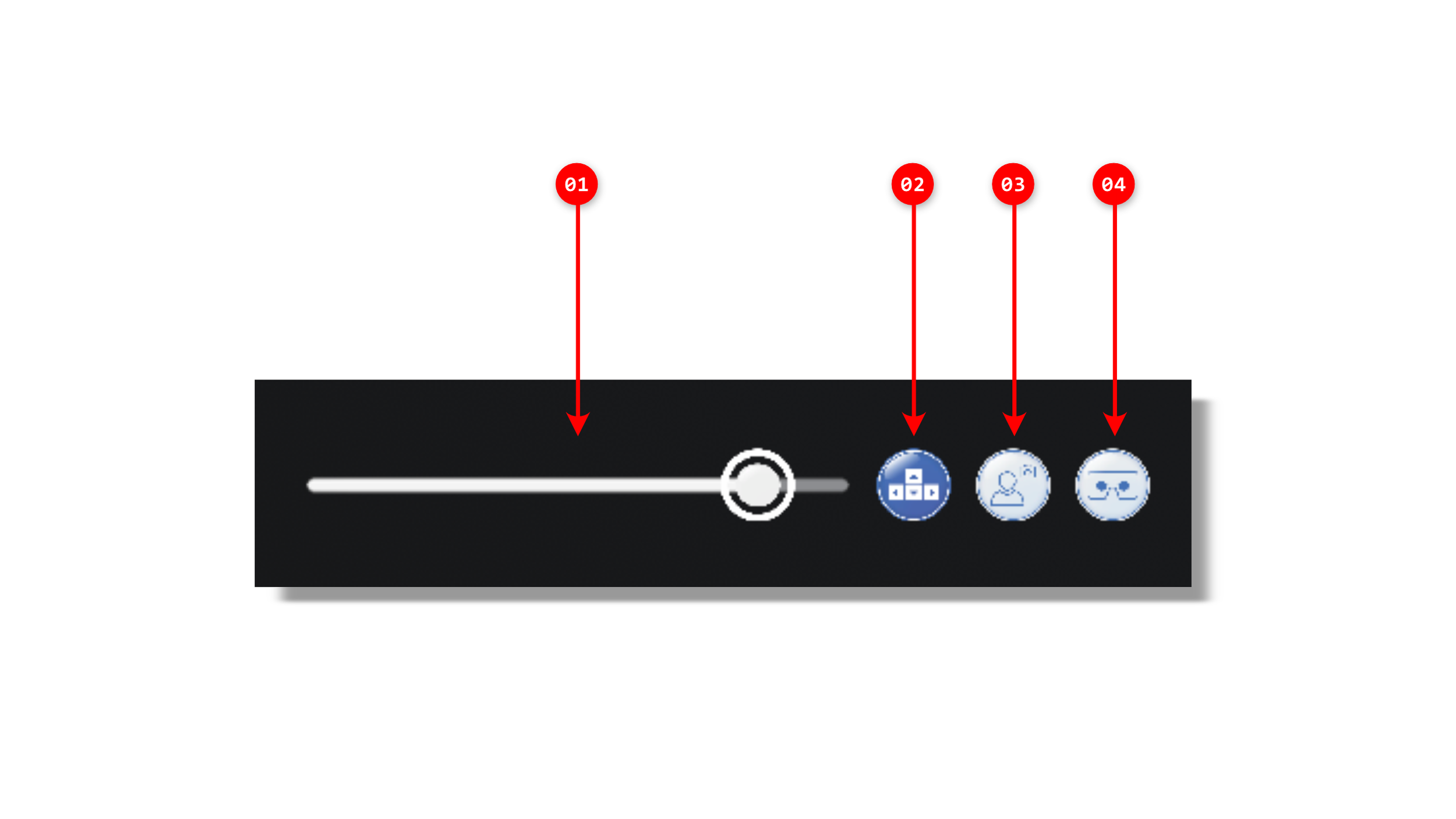
C. Bottom Right | Camera & Views
The Camera and Views corner is dedicated to controlling the active camera and its field of view, in addition to a display of all your/collaborators' location in plan view.
C.1 - PC Camera Field of View
C.2 - PC Flythrough Mode
C.3 - VR Shoulder View
C.4 - VR First Person View
D. Bottom Center | Interaction Tools
The Interaction Tools offer different ways of interacting with your environment by moving objects, taking measurements, communicating with your collaborators, or assisting someone in VR by activating different tools for them.